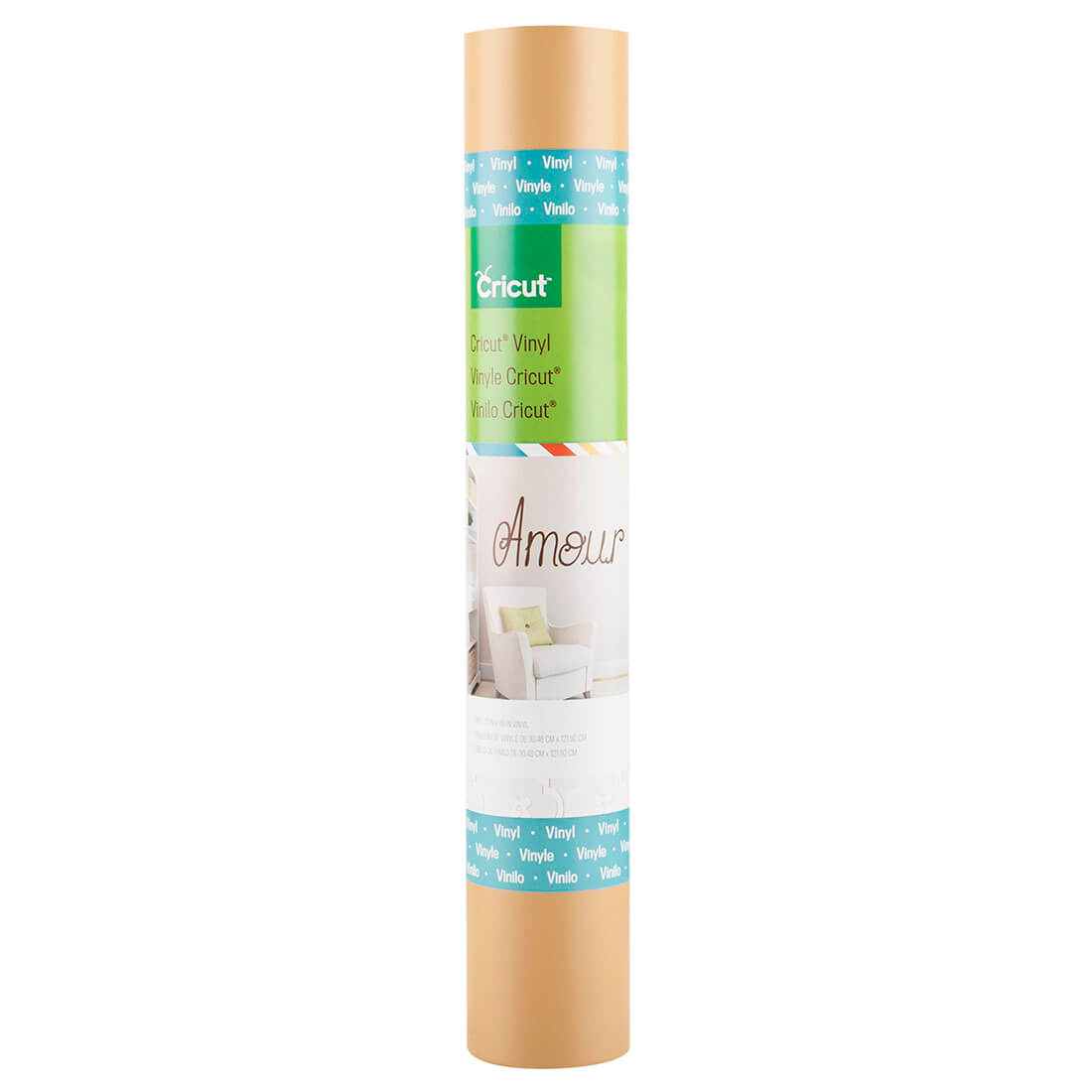
Cricut Honey Vinyl

Cricut® Vinyl makes it easy to personalize your home with quotes, window decals, and removable labels. You can even customize personal belongings such as media covers, car windows, and notebooks. Each package comes with one 12 x 48″ vinyl roll and is available in a variety of colors. Cricut® Transfer Tape makes applying the vinyl a cinch.

Cricut® Vinyl is easily removed, making it convenient to change things up. You can even decorate your walls for each coming holiday. With our large variety of Cricut® images and fonts, you can customize your home and belongings to fit your very own style!

Cricut® Vinyl sheets are made up of two parts. The vinyl is the actual material that will be cut and applied to your project and the liner is the carrier sheet that holds the design in place while the vinyl is being cut.

Includes

  • One 12” x 48” roll Cricut® Vinyl in Honey, a golden yellow
  • Complete application instructions
  • Coupon for $5.00 off a purchase of Cricut digital images of $9.99 or more

Tips

  • For best results, carefully follow the cutting and application instructions found within the Cricut® Vinyl packaging.
  • Before you cut, adjust your machine settings according to the Vinyl Kiss Cut Guide below. (A kiss cut is a cut that only goes through the iron-on film and leaves the liner intact.)
  • If your final image will have multiple layers, use the Cricut Craft Room® design software to line them up as they should appear in your finished design. This will make the application much easier.
  • Use the weeding tool found in the Cricut® Tool Kit to remove of negative pieces of Cricut® Vinyl.
  • Use Cricut® Transfer Tape to easily transfer the vinyl from the liner to the application surface.
  • Press vinyl image onto a clean surface, working from center outward, smoothing out and applying pressure as you go.
  • For use with all Cricut® machines

Vinyl Kiss Cut Guide

Blade Depth Pressure Speed
Cricut Expression® machine 2 Low Med
Cricut Expression® 2 machine 3 3 Med
Cricut Mini® machine 3 2 Med
Cricut Imagine® machine 3 2 Med
Cricut® or Cricut Create® machine 2 Low Med


Cricut Supplies. Click Buy Now
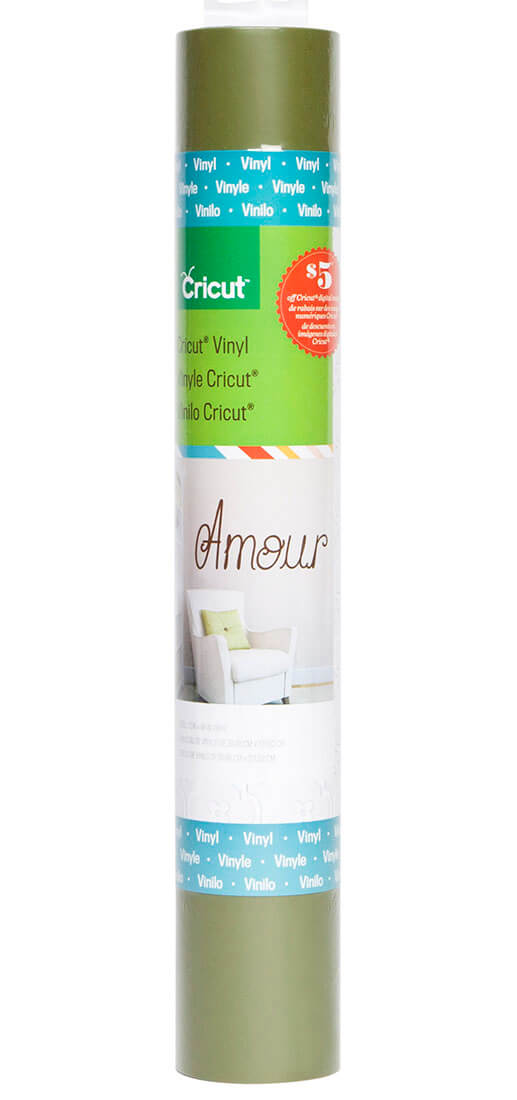
Cricut Olive Vinyl

Cricut® Vinyl makes it easy to personalize your home with quotes, window decals, and removable labels. You can even customize personal belongings such as media covers, car windows, and notebooks. Each package comes with one 12 x 48″ vinyl roll and is available in a variety of colors. Cricut® Transfer Tape makes applying the vinyl a cinch.

Cricut® Vinyl is easily removed, making it convenient to change things up. You can even decorate your walls for each coming holiday. With our large variety of Cricut® images and fonts, you can customize your home and belongings to fit your very own style!

Cricut® Vinyl sheets are made up of two parts. The vinyl is the actual material that will be cut and applied to your project and the liner is the carrier sheet that holds the design in place while the vinyl is being cut.

  • One 12” x 48” roll Cricut® Vinyl in Olive, a medium green
  • Complete application instructions
  • Coupon for $5.00 off a purchase of Cricut digital images of $9.99 or more

Tips

  • For best results, carefully follow the cutting and application instructions found within the Cricut® Vinyl packaging.
  • Before you cut, adjust your machine settings according to the Vinyl Kiss Cut Guide below. (A kiss cut is a cut that only goes through the iron-on film and leaves the liner intact.)
  • If your final image will have multiple layers, use the Cricut Craft Room® design software to line them up as they should appear in your finished design. This will make the application much easier.
  • Use the weeding tool found in the Cricut® Tool Kit to remove of negative pieces of Cricut® Vinyl.
  • Use Cricut® Transfer Tape to easily transfer the vinyl from the liner to the application surface.
  • Press vinyl image onto a clean surface, working from center outward, smoothing out and applying pressure as you go.
  • For use with all Cricut® machines

Vinyl Kiss Cut Guide

Blade Depth Pressure Speed
Cricut Expression® machine 2 Low Med
Cricut Expression® 2 machine 3 3 Med
Cricut Mini® machine 3 2 Med
Cricut Imagine® machine 3 2 Med
Cricut® or Cricut Create® machine 2 Low Med

Cricut Supplies. Click Buy Now

Cricut Linen Vinyl

Cricut® Vinyl makes it easy to personalize your home with quotes, window decals, and removable labels. You can even customize personal belongings such as media covers, car windows, and notebooks. Each package comes with one 12 x 48″ vinyl roll and is available in a variety of colors. Cricut® Transfer Tape makes applying the vinyl a cinch.

Cricut® Vinyl is easily removed, making it convenient to change things up. You can even decorate your walls for each coming holiday. With our large variety of Cricut® images and fonts, you can customize your home and belongings to fit your very own style!

Cricut® Vinyl sheets are made up of two parts. The vinyl is the actual material that will be cut and applied to your project and the liner is the carrier sheet that holds the design in place while the vinyl is being cut.

Includes

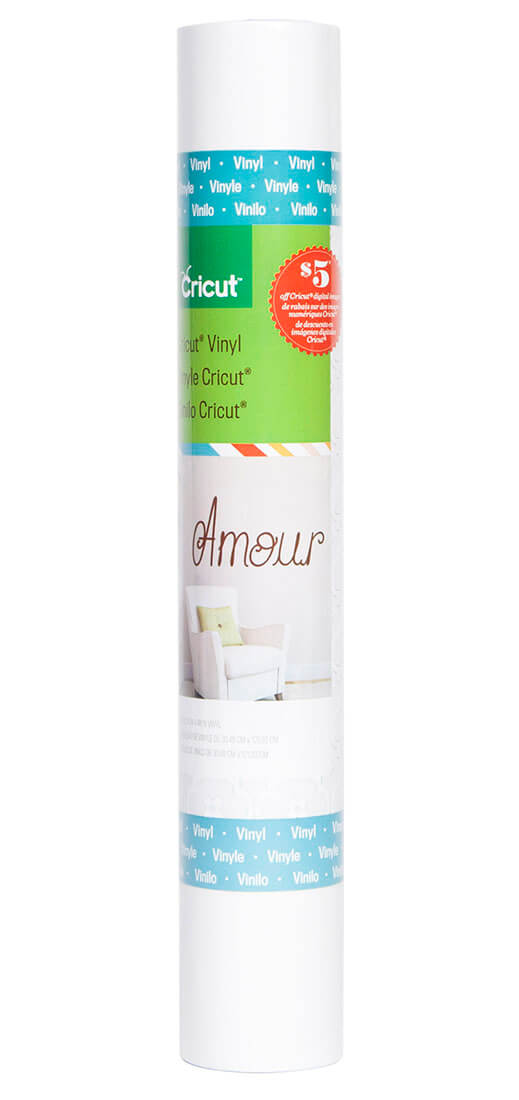
  • One 12” x 48” roll Cricut® Vinyl in Linen, a bright white
  • Complete application instructions

Tips

  • For best results, carefully follow the cutting and application instructions found within the Cricut® Vinyl packaging.
  • Before you cut, adjust your machine settings according to the Vinyl Kiss Cut Guide below. (A kiss cut is a cut that only goes through the iron-on film and leaves the liner intact.)
  • If your final image will have multiple layers, use the Cricut Craft Room® design software to line them up as they should appear in your finished design. This will make the application much easier.
  • Use the weeding tool found in the Cricut® Tool Kit to remove of negative pieces of Cricut® Vinyl.
  • Use Cricut® Transfer Tape to easily transfer the vinyl from the liner to the application surface.
  • Press vinyl image onto a clean surface, working from center outward, smoothing out and applying pressure as you go.
  • For use with all Cricut® machines

Vinyl Kiss Cut Guide

Blade Depth Pressure Speed
Cricut Expression® machine 2 Low Med
Cricut Expression® 2 machine 3 3 Med
Cricut Mini® machine 3 2 Med
Cricut Imagine® machine 3 2 Med
Cricut® or Cricut Create® machine 2 Low Med

Cricut Supplies. Click Buy Now
Posted on 1 Comment

Cricut Product Gallery

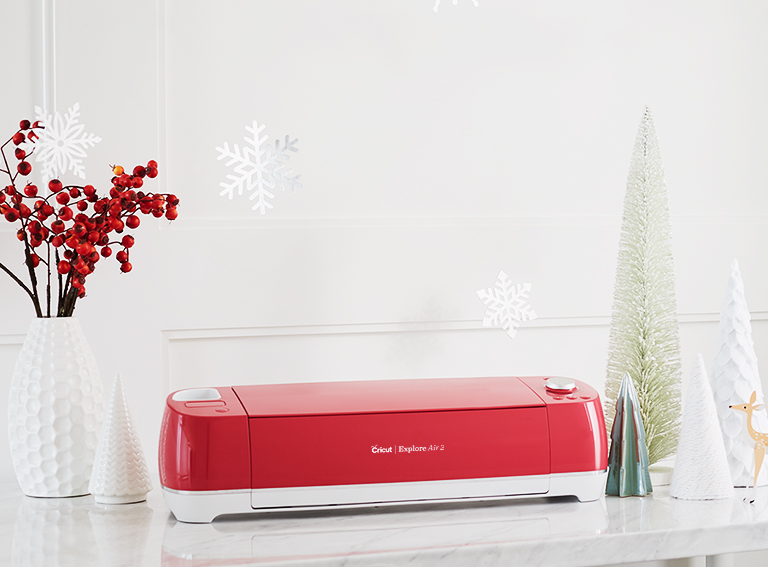
Cricut raspberry explore air

The power of a professional machine.
The simplicity of Cricut.

Updated:

Ignite your imagination.

With a huge variety of colors, patterns, and effects, Removable Premium Vinyl is perfect for every project. Plus you'll love these benefits:

• Removes without residue

• Lies flat so you can cut with ease and accuracy

• Easy to weed, effortless to apply

• Ideal for making easily removable decals, labels, window decor, and more

• For all Cricut cutting machines

Premium Vinyl – Removable works fabulously with the widest variety of base materials, including wood, metal, and more! Whether you’re new to the Cricut family or have been creating with our products for years, you’ll find it easy to bring your artistic vision to life with our removable adhesive vinyl in hand. With a few simple steps, create your own intricate designs with your Cricut machine and weed with ease to prep for flawless application. Create a custom decal, design heartwarming home decor, embellish accessories with one-of-a-kind designs, and create handmade gifts that will leave a lasting impression. Premium Vinyl works with all Cricut cutting machines. This quality vinyl lies flat without tunneling or bubbling to give you a flawless cut every time. When applied correctly, Premium Vinyl – Removable can be removed without leaving any residue! Pick out your favorite Premium Vinyl – Removable colors today!


Vinyl possibilities that last.

With a huge variety of colors, patterns, and effects, Permanent Premium Vinyl is your go-to for projects with staying power. Plus you'll love these benefits:

• Lies flat without tunneling or bubbling for a perfect cut

• Easy to weed, effortless to apply

• Ideal for outdoor projects, from mailboxes to mugs to outdoor signage and more

• Water-resistant and UV-resistant film

• For all Cricut cutting machines

More Articles:

Apricot Escape Eco Teabag Sachets Packaged Teas 50 CT by Art of Tea Review

Orchid Oolong Tea Loose Leaf 4 oz Zip Pouch by Art of Tea Review

Orchid Oolong Tea Loose Leaf 1 lb Zip Pouch by Art of Tea Review

Gary Poppins Popcorn Menu

Cricut Maker

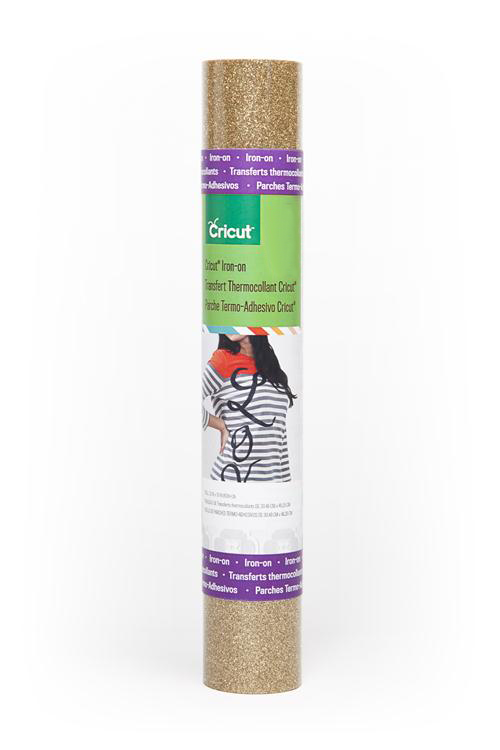
Cricut Iron -on Glitter, Gold

Cricut® Iron-on Glitter is a decorative heat transfer film that makes apparel and accessories all your own. Personalize everything from sports team wear, t-shirts, and jackets to bags, aprons, scarves, and hats. You can even customize home décor items such as pillows, blankets, basket liners, and wall hangings.

Cricut® Iron-on sheets are made up of two parts. The film is the actual material that will be ironed onto your project, and the liner is the carrier sheet that holds the design in place and protects your iron during the application process.

    Includes

  • One 12 x 19″ roll Cricut® Iron-on Glitter material in Gold
  • Complete application instructions
  • Coupon for $5.00 off a purchase of Cricut® digital images of $9.99 of more

    Tips

  • For best results, carefully follow the cutting and application instructions found within the Cricut® Iron-on packaging.
  • When creating your design, be sure to flip all images prior to cutting so they appear backwards (mirror image).
  • Before you cut, adjust your machine settings according to the Iron-on Kiss Cut Guide in the package. (A kiss cut is a cut that only goes through the iron-on film and leaves the liner intact.)
  • Using the weeding tool found in the Cricut® Tool Kit can make removing negative Cricut® Iron-on film faster and easier.
  • Do not layer Cricut® Iron-on Glitter on top of other Iron-on Glitter film. You can layer Iron-on Glitter on top of Cricut® Iron-on Lite. Iron on one layer at a time, beginning from the bottom layer and working your way up.
  • Using the Cotton/Linen setting of the iron provides the best results for most materials. More delicate materials can be protected by using a press cloth or piece of cotton fabric, such as a dishtowel, while ironing.
  • To ensure best results, test a piece of Cricut® Iron-on in an inconspicuous part of the item prior to application.
  • For longest life, wash and dry the embellished item inside out.
  • For use with all Cricut® machines

Measurements for Application on adult apparel:

Basketball Lacrosse Hockey Baseball Football Soccer Volleyball Softball
Name 2″ – 3″ 2″ – 3″ 2″ – 3″ 2″ – 3″ 2″ – 3″ 2″ – 3″ 2″ – 3″ 2″ – 3″
Front # 3″ – 4″ 6″ – 8″ 3″ – 4″ 3″ – 4″ 8″ – 10″ 3″ – 4″ 3″ – 4″ 3″ – 4″
Back # 6″ – 8″ 8″ – 12″ 10″ – 12″ 6″ – 8″ 10″ – 12″ 6″ – 8″ 6″ – 8″ 6″ – 8″
Shorts # 3″ – 4″ 3″ – 4″ 3″ – 4″ 3″ – 4″
Sleeve 3″ – 4″ 3″ – 4″

  • When applying to the front corner of a t-shirt or polo, place it 7 ½” – 9” down from the left shoulder seam and 4” – 6” from the center.
  • When applying to the front of a sweatshirt, place top of image 3” – 3 ½” below bottom of neck seam.
  • When applying to the front of a jersey, place top of image 2” – 3” below bottom of neck seam.
  • See the guide to popular logo placement for more placement ideas.

Disclaimer

Please review and follow the instructions. Even when following the instructions, results may vary. Use this product at your own risk.


Cricut Supplies. Click Buy Now

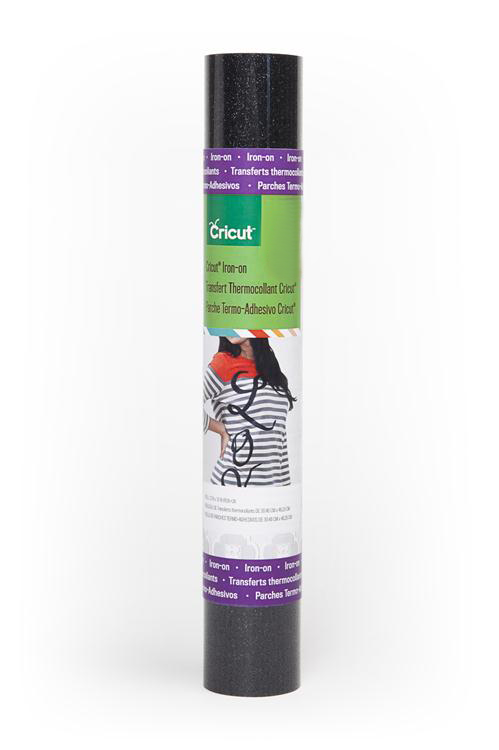
Cricut Iron -on Glitter, Black

Cricut® Iron-on Glitter is a decorative heat transfer film that makes apparel and accessories all your own. Personalize everything from sports team wear, t-shirts, and jackets to bags, aprons, scarves, and hats. You can even customize home décor items such as pillows, blankets, basket liners, and wall hangings.

Cricut® Iron-on sheets are made up of two parts. The film is the actual material that will be ironed onto your project, and the liner is the carrier sheet that holds the design in place and protects your iron during the application process.

    Includes

  • One 12 x 19″ roll Cricut® Iron-on Glitter material in Black
  • Complete application instructions
  • Coupon for $5.00 off a purchase of Cricut® digital images of $9.99 of more
    Tips

  • For best results, carefully follow the cutting and application instructions found within the Cricut® Iron-on packaging.
  • When creating your design, be sure to flip all images prior to cutting so they appear backwards (mirror image).
  • Before you cut, adjust your machine settings according to the Iron-on Kiss Cut Guide in the package. (A kiss cut is a cut that only goes through the iron-on film and leaves the liner intact.)
  • Using the weeding tool found in the Cricut® Tool Kit can make removing negative Cricut® Iron-on film faster and easier.
  • Do not layer Cricut® Iron-on Glitter on top of other Iron-on Glitter film. You can layer Iron-on Glitter on top of Cricut® Iron-on Lite. Iron on one layer at a time, beginning from the bottom layer and working your way up.
  • Using the Cotton/Linen setting of the iron provides the best results for most materials. More delicate materials can be protected by using a press cloth or piece of cotton fabric, such as a dishtowel, while ironing.
  • To ensure best results, test a piece of Cricut® Iron-on in an inconspicuous part of the item prior to application.
  • For longest life, wash and dry the embellished item inside out.
  • For use with all Cricut® machines

Measurements for Application on adult apparel:

Basketball Lacrosse Hockey Baseball Football Soccer Volleyball Softball
Name 2″ – 3″ 2″ – 3″ 2″ – 3″ 2″ – 3″ 2″ – 3″ 2″ – 3″ 2″ – 3″ 2″ – 3″
Front # 3″ – 4″ 6″ – 8″ 3″ – 4″ 3″ – 4″ 8″ – 10″ 3″ – 4″ 3″ – 4″ 3″ – 4″
Back # 6″ – 8″ 8″ – 12″ 10″ – 12″ 6″ – 8″ 10″ – 12″ 6″ – 8″ 6″ – 8″ 6″ – 8″
Shorts # 3″ – 4″ 3″ – 4″ 3″ – 4″ 3″ – 4″
Sleeve 3″ – 4″ 3″ – 4″
  • When applying to the front corner of a t-shirt or polo, place it 7 ½” – 9” down from the left shoulder seam and 4” – 6” from the center.
  • When applying to the front of a sweatshirt, place top of image 3” – 3 ½” below bottom of neck seam.
  • When applying to the front of a jersey, place top of image 2” – 3” below bottom of neck seam.
  • See the guide to popular logo placement for more placement ideas.

Disclaimer

Please review and follow the instructions. Even when following the instructions, results may vary. Use this product at your own risk.

Cricut Supplies. Click Buy Now

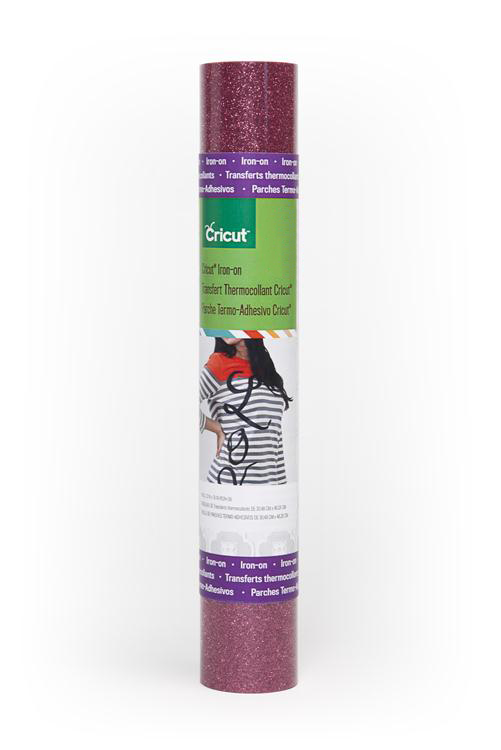
Cricut Iron -on Glitter, Pink

Cricut® Iron-on Glitter is a decorative heat transfer film that makes apparel and accessories all your own. Personalize everything from sports team wear, t-shirts, and jackets to bags, aprons, scarves, and hats. You can even customize home décor items such as pillows, blankets, basket liners, and wall hangings.

Cricut® Iron-on sheets are made up of two parts. The film is the actual material that will be ironed onto your project, and the liner is the carrier sheet that holds the design in place and protects your iron during the application process.

    Includes

  • One 12 x 19″ roll Cricut® Iron-on Glitter material in Pink
  • Complete application instructions
  • Coupon for $5.00 off a purchase of Cricut® digital images of $9.99 of more

    Tips

  • For best results, carefully follow the cutting and application instructions found within the Cricut® Iron-on packaging.
  • When creating your design, be sure to flip all images prior to cutting so they appear backwards (mirror image).
  • Before you cut, adjust your machine settings according to the Iron-on Kiss Cut Guide in the package. (A kiss cut is a cut that only goes through the iron-on film and leaves the liner intact.)
  • Using the weeding tool found in the Cricut® Tool Kit can make removing negative Cricut® Iron-on film faster and easier.
  • Do not layer Cricut® Iron-on Glitter on top of other Iron-on Glitter film. You can layer Iron-on Glitter on top of Cricut® Iron-on Lite. Iron on one layer at a time, beginning from the bottom layer and working your way up.
  • Using the Cotton/Linen setting of the iron provides the best results for most materials. More delicate materials can be protected by using a press cloth or piece of cotton fabric, such as a dishtowel, while ironing.
  • To ensure best results, test a piece of Cricut® Iron-on in an inconspicuous part of the item prior to application.
  • For longest life, wash and dry the embellished item inside out.
  • For use with all Cricut® machines

Measurements for Application on adult apparel:

Basketball Lacrosse Hockey Baseball Football Soccer Volleyball Softball
Name 2″ – 3″ 2″ – 3″ 2″ – 3″ 2″ – 3″ 2″ – 3″ 2″ – 3″ 2″ – 3″ 2″ – 3″
Front # 3″ – 4″ 6″ – 8″ 3″ – 4″ 3″ – 4″ 8″ – 10″ 3″ – 4″ 3″ – 4″ 3″ – 4″
Back # 6″ – 8″ 8″ – 12″ 10″ – 12″ 6″ – 8″ 10″ – 12″ 6″ – 8″ 6″ – 8″ 6″ – 8″
Shorts # 3″ – 4″ 3″ – 4″ 3″ – 4″ 3″ – 4″
Sleeve 3″ – 4″ 3″ – 4″

  • When applying to the front corner of a t-shirt or polo, place it 7 ½” – 9” down from the left shoulder seam and 4” – 6” from the center.
  • When applying to the front of a sweatshirt, place top of image 3” – 3 ½” below bottom of neck seam.
  • When applying to the front of a jersey, place top of image 2” – 3” below bottom of neck seam.
  • See the guide to popular logo placement for more placement ideas.

Disclaimer

Please review and follow the instructions. Even when following the instructions, results may vary. Use this product at your own risk.


Cricut Supplies. Click Buy Now

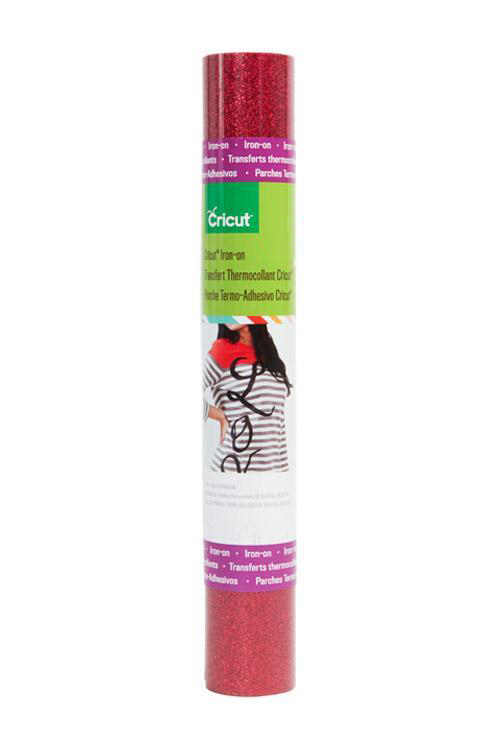
Cricut Iron -on Glitter, Red

Cricut® Iron-on Glitter is a decorative heat transfer film that makes apparel and accessories all your own. Personalize everything from sports team wear, t-shirts, and jackets to bags, aprons, scarves, and hats. You can even customize home décor items such as pillows, blankets, basket liners, and wall hangings.

Cricut® Iron-on sheets are made up of two parts. The film is the actual material that will be ironed onto your project, and the liner is the carrier sheet that holds the design in place and protects your iron during the application process.

    Includes

  • One 12″ x 19″ roll Cricut® Iron-on Glitter material in Red
  • Complete application instructions


    Tips

  • For best results, carefully follow <a “http://content.provocraft.com/b/pdfs/Iron-onInstructions.pdf”>the cutting and application instructions found within the Cricut® Iron-on packaging.
  • When creating your design, be sure to flip all images prior to cutting so they appear backwards (mirror image).
  • Before you cut, adjust your machine settings according to the <a “http://content.provocraft.com/b/pdfs/Iron-onKissCutCuttingGuide.pdf”>Iron-on Kiss Cut Guide in the package. (A kiss cut is a cut that only goes through the iron-on film and leaves the liner intact.)
  • Using the weeding tool found in the Cricut® Tool Kit can make removing negative Cricut® Iron-on film faster and easier.
  • Do not layer Cricut® Iron-on Glitter on top of other Iron-on Glitter film. You can layer Iron-on Glitter on top of Cricut® Iron-on Lite. Iron on one layer at a time, beginning from the bottom layer and working your way up.
  • Using the Cotton/Linen setting of the iron provides the best results for most materials. More delicate materials can be protected by using a press cloth or piece of cotton fabric, such as a dishtowel, while ironing.
  • To ensure best results, test a piece of Cricut® Iron-on in an inconspicuous part of the item prior to application.
  • For longest life, wash and dry the embellished item inside out.
  • For use with all Cricut® machines

Measurements for Application on adult apparel:

Basketball Lacrosse Hockey Baseball Football Soccer Volleyball Softball
Name 2″ – 3″ 2″ – 3″ 2″ – 3″ 2″ – 3″ 2″ – 3″ 2″ – 3″ 2″ – 3″ 2″ – 3″
Front # 3″ – 4″ 6″ – 8″ 3″ – 4″ 3″ – 4″ 8″ – 10″ 3″ – 4″ 3″ – 4″ 3″ – 4″
Back # 6″ – 8″ 8″ – 12″ 10″ – 12″ 6″ – 8″ 10″ – 12″ 6″ – 8″ 6″ – 8″ 6″ – 8″
Shorts # 3″ – 4″ 3″ – 4″ 3″ – 4″ 3″ – 4″
Sleeve 3″ – 4″ 3″ – 4″


  • When applying to the front corner of a t-shirt or polo, place it 7 ½” – 9” down from the left shoulder seam and 4” – 6” from the center.
  • When applying to the front of a sweatshirt, place top of image 3” – 3 ½” below bottom of neck seam.
  • When applying to the front of a jersey, place top of image 2” – 3” below bottom of neck seam.
  • See the guide to <a “http://content.provocraft.com/b/pdfs/Iron-onPopularLogoPlacement Guide.pdf”>popular logo placement for more placement ideas.

Disclaimer

Please review and follow the instructions. Even when following the instructions, results may vary. Use this product at your own risk.

Cricut Supplies. Click Buy Now

Window Cling, Black

Create easy-on, easy-off decals with Cricut® Window Cling. Durable but easily removable , it’s a quick decorating solution for celebrations, holidays, kids’ activities, and home décor. Use any Cricut® machine to cut the window cling into intricate designs and layer multiple colors to create custom creations. Window cling attaches to non-porous surfaces such as vases, mirrors, and glassware, and removes easily with no messy residue.

  • One roll 12 x 48″ window cling
  • Clings instantly without adhesive to most non-porous surfaces; removes without residue
  • Durable and reusable
  • Designed for indoor use
  • Compatible with all Cricut® machines
  • Backed with liner for convenient storage


Cricut Supplies. Click Buy Now

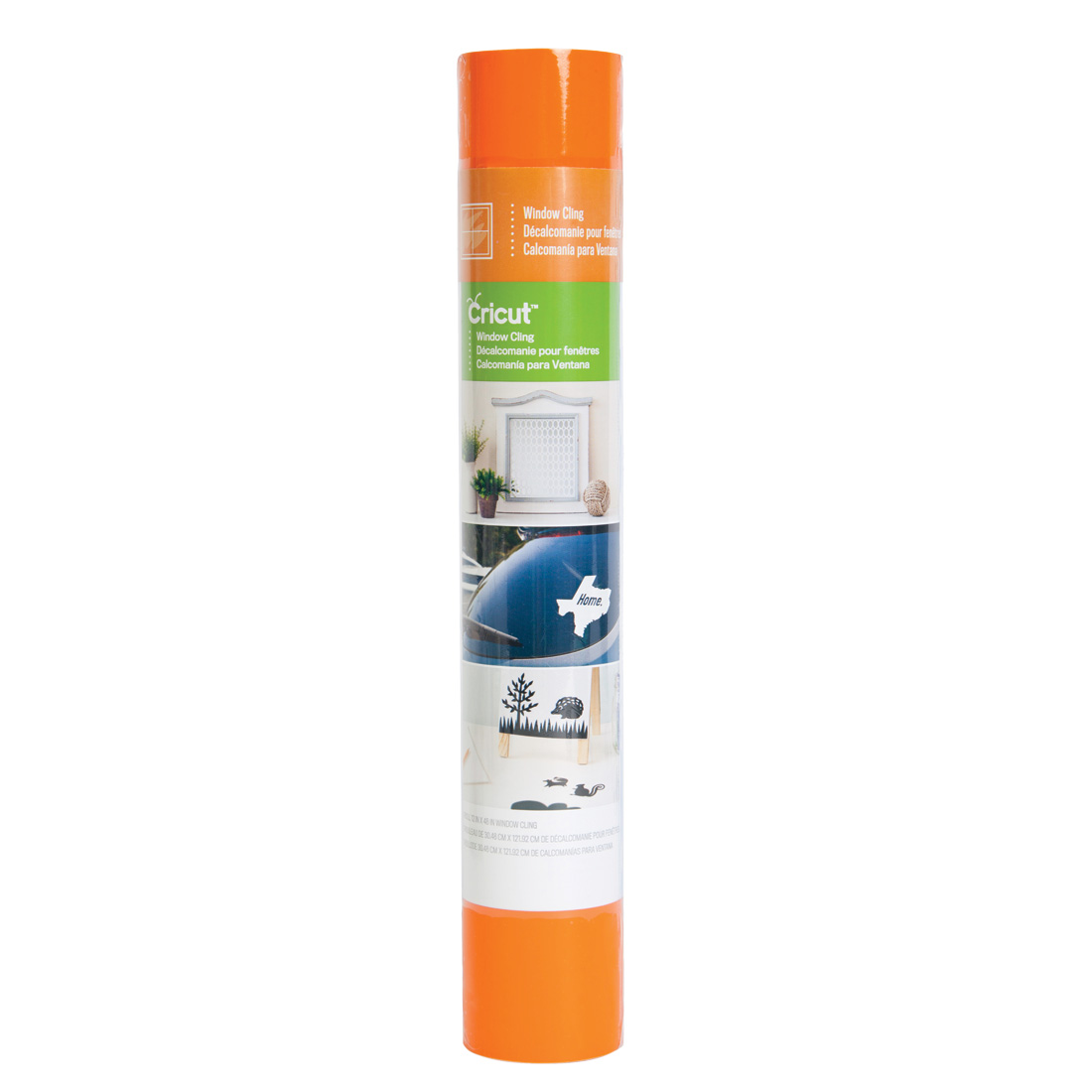
Window Cling, Orange

Create easy-on, easy-off decals with Cricut® Window Cling. Durable but easily removable, it’s a quick decorating solution for celebrations, holidays, kids’ activities, and home décor. Use any Cricut® machine to cut the window cling into intricate designs and layer multiple colors to create custom creations. Window cling attaches to non-porous surfaces such as vases, mirrors, and glassware, and removes easily with no messy residue.

  • One roll 12 x 48″ window cling
  • Clings instantly without adhesive to most non-porous surfaces; removes without residue
  • Durable and reusable
  • Designed for indoor use
  • Compatible with all Cricut® machines
  • Backed with liner for convenient storage


Cricut Supplies. Click Buy Now